Code Server
Run VS Code in the browser as a devframe panel: detect a local editor, launch on demand, embed in an auto-authenticated iframe.
Run VS Code in the browser as a devframe panel: detect a local editor, launch on demand, embed in an auto-authenticated iframe.
Package: @devframes/plugin-code-server · framework: Vue
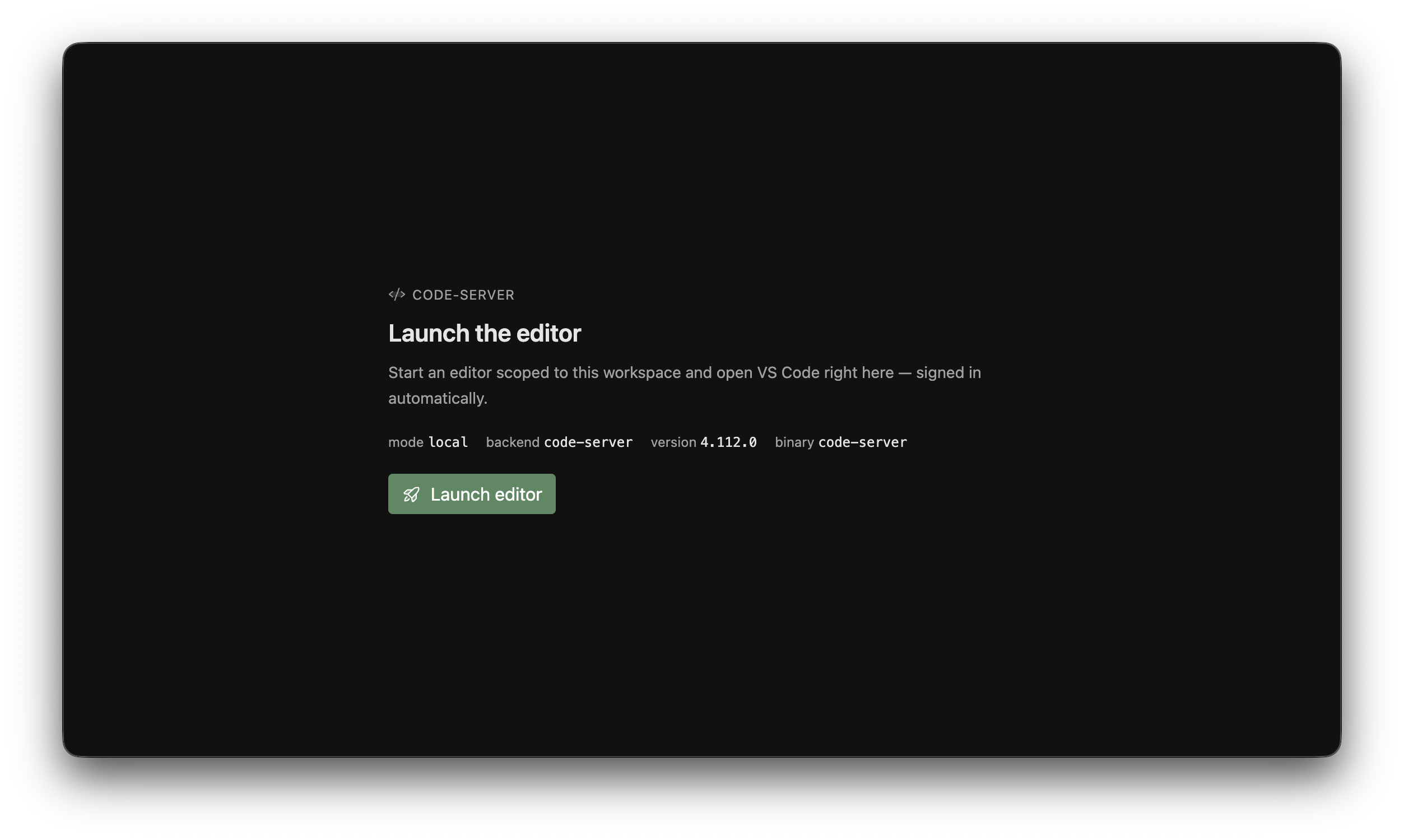
Launcher before start
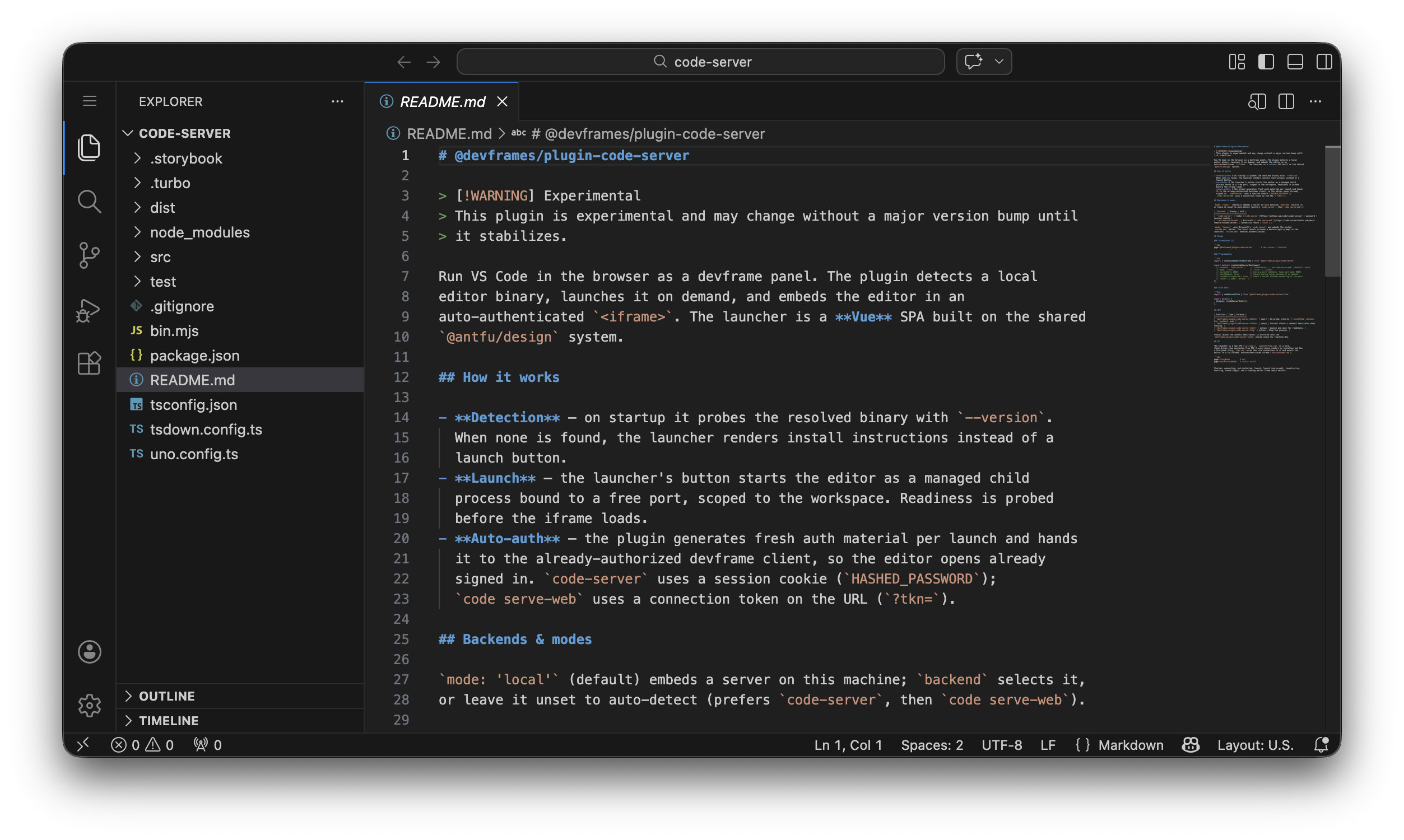
The embedded editor in the browser
What it does
- Detection: probes with
--version; if absent, shows install info. - Launch: a managed child process on a free port, readiness-probed.
- Auto-auth: fresh auth per launch; the editor opens signed in.
Backends
mode: 'local' (default) auto-detects code-server, else code serve-web.
backend | Binary | Auth handoff |
|---|---|---|
'code-server' | code-server | password + session cookie |
'ms-code-serve-web' | code serve-web | connection token (?tkn=) |
Tunnel mode
mode: 'tunnel' runs code tunnel and embeds vscode.dev; first launch prompts a device login (code CLI).
Standalone
pnpx @devframes/plugin-code-serverMount into a Vite host
// vite.config.ts
import { codeServerVite } from '@devframes/plugin-code-server/vite'
import { defineConfig } from 'vite'

export default defineConfig({
  plugins: [
    codeServerVite(),
  ],
})
Programmatic
import { createCodeServerDevframe } from '@devframes/plugin-code-server'

export default createCodeServerDevframe({
  // backend: 'code-server',    // default: auto-detect
  // mode: 'local',             // 'local' | 'tunnel'
  // serverPort: 8080,          // default: free port near 8080
  // startOnBoot: true,         // launch during setup
  // reuseExistingServer: true, // adopt a server on the port
  // tunnel: { name: 'my-box' },
})
RPC
Namespaced devframes:plugin:code-server:*:
| Function | Type | Purpose |
|---|---|---|
detect | query | Re-probe; returns installed/version/bin/backend/mode. |
status | query | Current status; connect descriptor if running. |
start | action | Launch and await readiness. |
stop | action | Stop the process. |
Status (minus connect descriptor) mirrors into …:state.